Home  /  Audio /  Dante
Reference

Dante® 2-Channel XLR Input Adapter

Convert Professional XLR Audio to Dante® Digital Audio

AUD-DTE-XLRINUPC 813982024052
In stockDante® 2-Channel XLR Input Adapter – KanexPro AUD-DTE-XLRIN
Trade pricing and stock
Specifications, drawings and documents stay open to everyone. Net pricing, stock by warehouse and ordering need an approved trade account.

Approval is usually same working day.

Overview

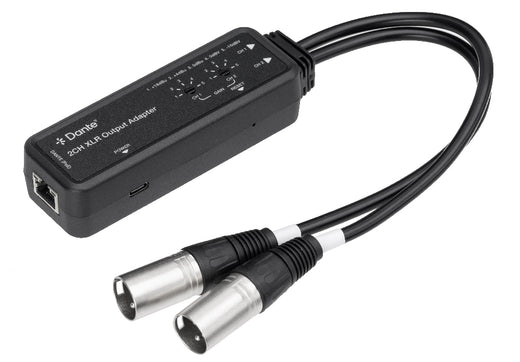
The KanexPro AUD-DTE-XLRIN converts two-channel balanced or unbalanced XLR analog audio into Dante® digital audio for professional AV and networked sound environments. Built on the Dante Ultimo 2×2 platform, it accepts microphones, mixers, and pro-audio line sources directly via integrated 30cm XLR pigtail leads, eliminating the need for a separate stagebox or rack-mount interface.

Five selectable input sensitivity levels (+24dBu to -10dBv) deliver precise gain staging at the source. Powered by PoE (802.3af Class 0) or USB-C, it installs anywhere on the network with minimal cabling. Configurable latency (1, 2, or 5ms) and AES67 compatibility ensure integration into any professional Dante® ecosystem.

Key features
  • Converts 2-channel balanced/unbalanced XLR analog audio to Dante® 2CH digital audio
  • Five input sensitivity levels: +24dBu, +4dBu, 0dBu, 0dBv, -10dBv — per-channel adjustment
  • Dante® audio sampling up to 96kHz at 24-bit; AES67 compatible
  • Configurable Dante® device latency: 1, 2, or 5ms via Dante® Controller
  • Integrated 30cm XLR pigtail leads (CH1 + CH2) — direct mic/line connection, no adapter required
  • Dual power: PoE IEEE 802.3af Class 0 or USB-C 5V/500mA
  • High-performance audio: SNR >100dB, THD+N <0.01% at +4dBu/1kHz, 20Hz–20kHz ±0.5dB
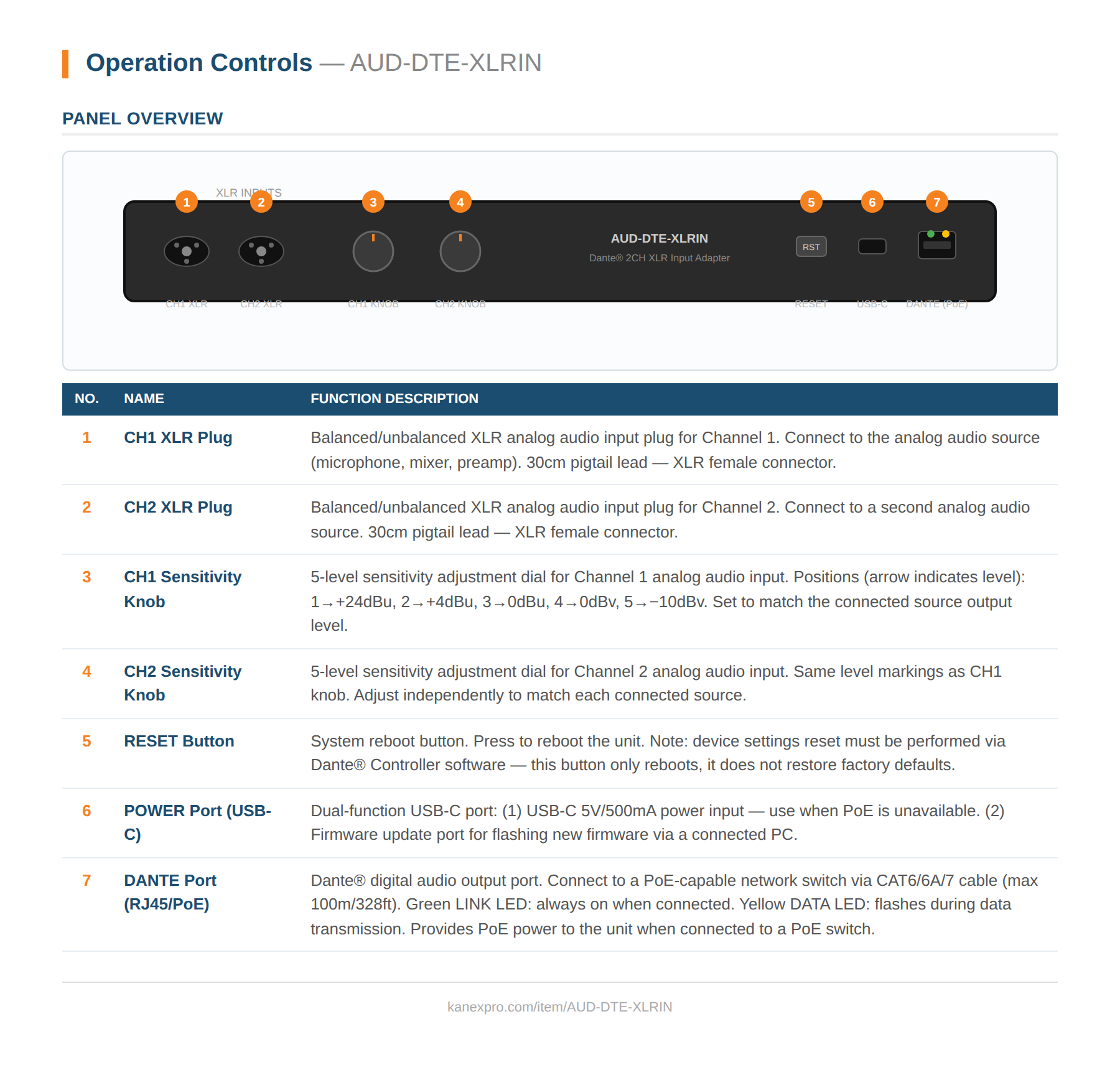
Input2× XLR IN (balanced/unbalanced, 30cm pigtail); 1× USB-C (power/firmware)
Output1× Dante® RJ45 (PoE)
Audio Format OutPCM 2CH, 44.1/48/88.2/96kHz @ 16/24-bit
Input Sensitivity+24dBu / +4dBu / 0dBu / 0dBv / -10dBv (5-level, per channel)
Input Impedance20kO balanced / 10kO unbalanced
Latency1 / 2 / 5ms configurable
SNR / THD+N>100dB / <0.01% @ +4dBu, 1kHz
Frequency Response20Hz–20kHz ±0.5dB
TransmissionUp to 100m / 328ft (CAT6/6A/7)
PowerUSB-C 5V/500mA or PoE IEEE 802.3af Class 0 | 2W max
Dimensions115 × 40 × 28mm | 173g | Plastic, Black
Weight0.38 lbs
TemperatureOperating: 0°C–40°C | Storage: -20°C–60°C
Package Contents
1× Dante 2CH XLR Input Adapter
2× Hook & Loop Fasteners
1× User Manual
Dante® 2-Channel XLR Input Adapter panel drawing
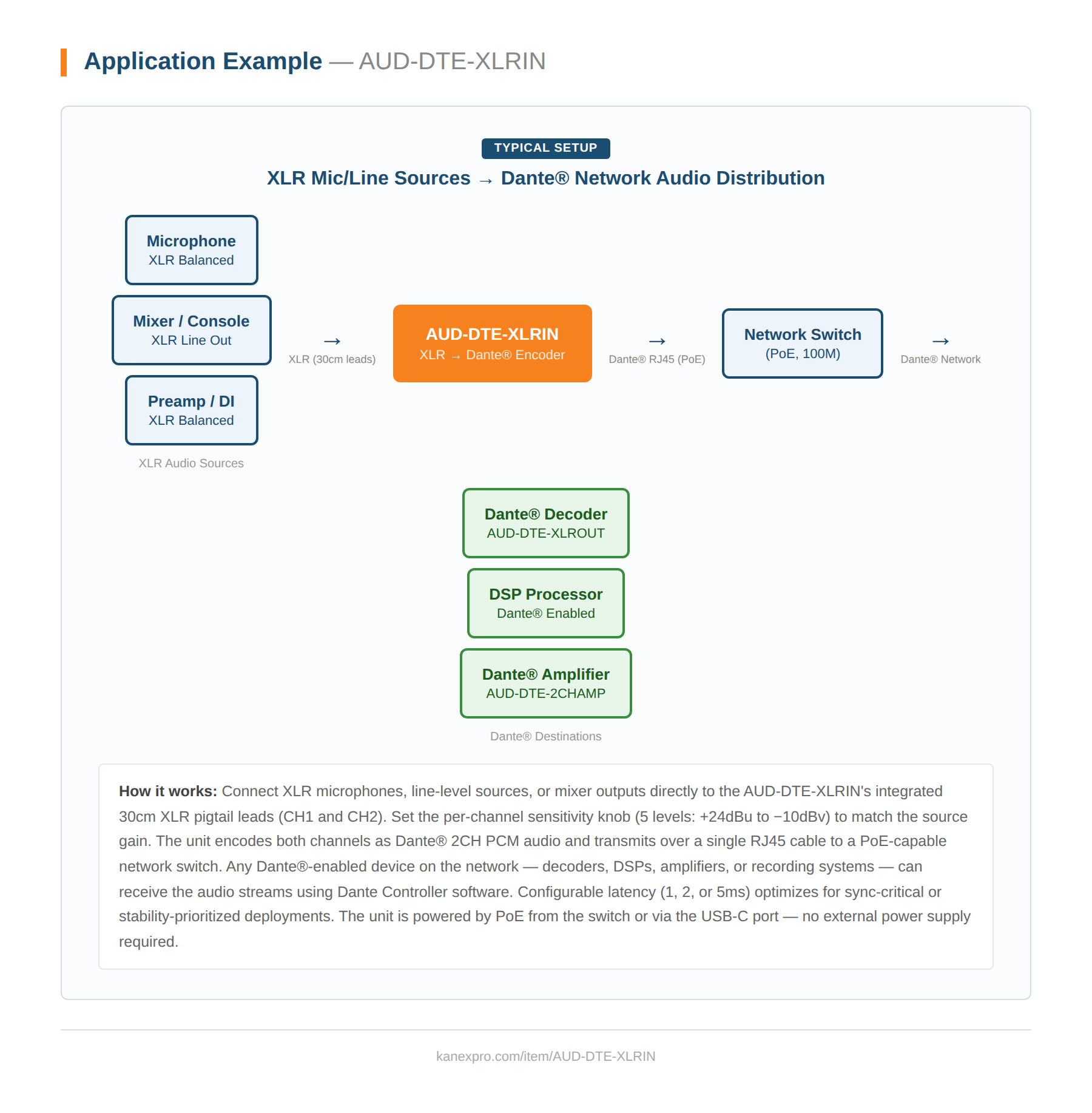
Dante® 2-Channel XLR Input Adapter system diagram
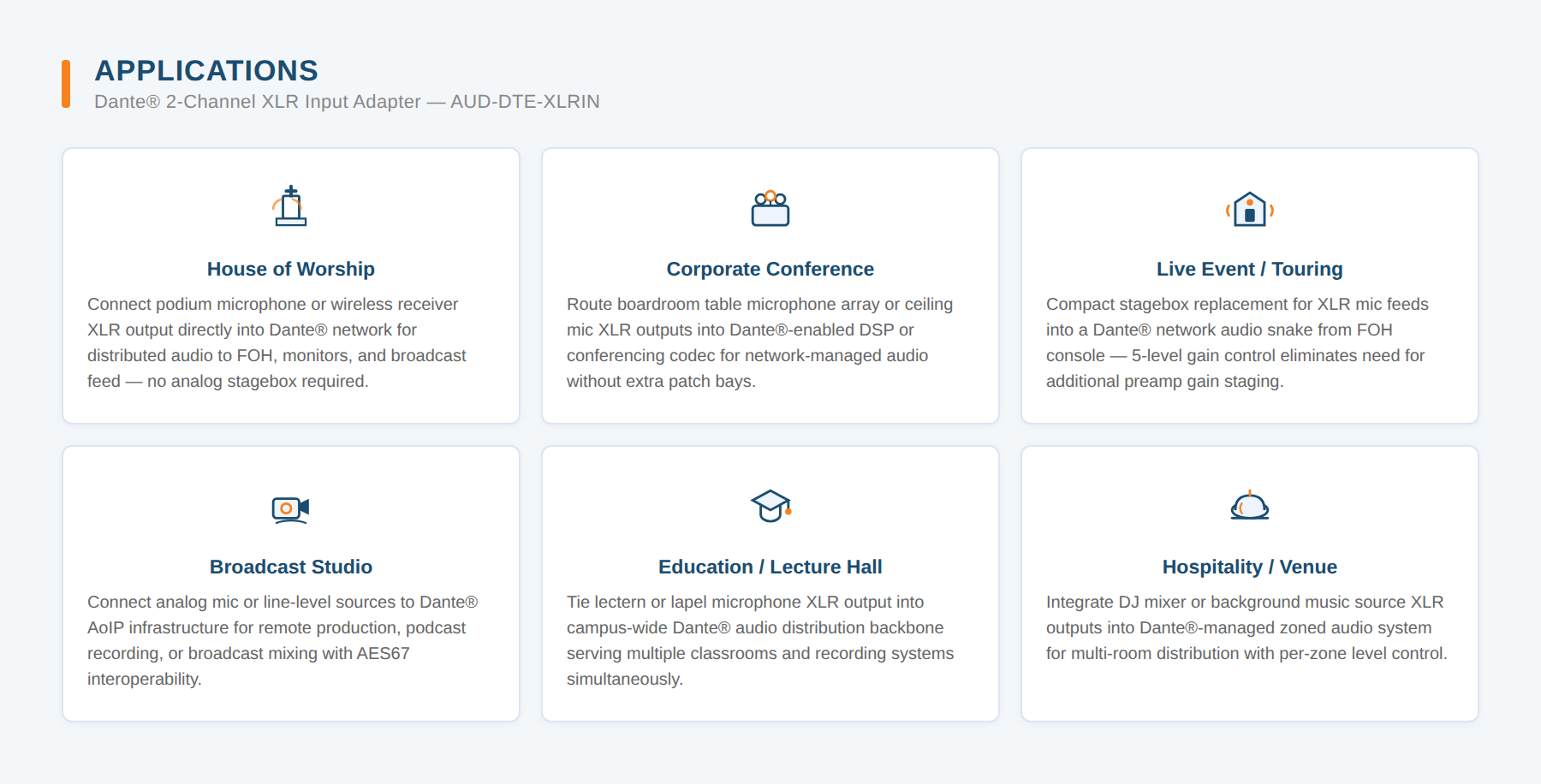
Dante® 2-Channel XLR Input Adapter applications
What input sensitivity levels are available?
Each XLR channel has five independently selectable sensitivity levels: +24dBu, +4dBu, 0dBu, 0dBv, and -10dBv.
The signal is distorted or too quiet from the XLR input - what should I check?
Adjust the CH1 or CH2 sensitivity knob to match the connected source's output level: +24dBu or +4dBu for high-output professional gear, 0dBu or 0dBv for standard line sources, or -10dBv for consumer-level sources.
How does the AUD-DTE-XLRIN pair with the AUD-DTE-XLROUT?
The XLRIN encodes XLR analog sources to Dante 2CH for network transport, while the companion AUD-DTE-XLROUT decodes Dante audio back to XLR analog outputs, forming a matched send/receive pair for XLR-based Dante systems.
How does the AUD-DTE-XLRIN fit into a live mixing signal chain?
XLR sources such as a microphone or mixer console line output connect to CH1/CH2 pigtail leads, and the unit encodes both channels to Dante 2CH PCM for transmission over RJ45 to any Dante-enabled device on the network, such as an AUD-DTE-XLROUT or Dante DSP processor.
Why choose the AUD-DTE-XLRIN for live sound or house-of-worship installs?
Its integrated 30cm XLR pigtail leads accept mic or line-level sources directly with no adapter, and per-channel 5-level sensitivity adjustment handles both microphones and line-level mixer outputs on the same Dante encoder.
What Dante audio output does the AUD-DTE-XLRIN provide?
It outputs Dante 2CH PCM audio at 44.1, 48, 88.2, or 96kHz, 24-bit, and is AES67 RTP compatible.
How do I reboot the AUD-DTE-XLRIN?
Press the RESET button to reboot the unit; device settings must be reset via Dante Controller, not the RESET button.
How do I set input sensitivity per channel?
Turn the CH1 or CH2 sensitivity knob independently to one of five positions: 1=+24dBu, 2=+4dBu, 3=0dBu, 4=0dBv, 5=-10dBv, matching the setting to the connected source's output level.
How do I connect microphones or line sources?
Connect the integrated XLR female pigtail leads (30cm, one per channel) directly to a microphone, mixer, or preamp output; no external adapter is required.
How is the AUD-DTE-XLRIN powered?
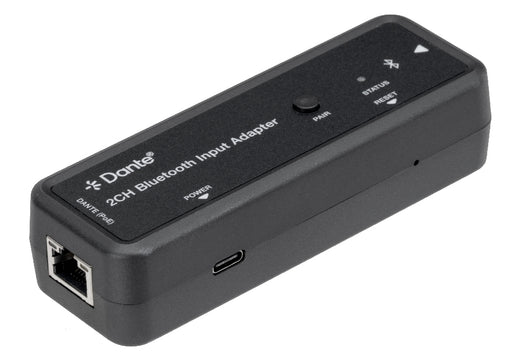
It accepts PoE IEEE 802.3af Class 0 through the DANTE RJ45 port, or USB-C 5V/500mA through the POWER port when PoE is unavailable; maximum power consumption is 2W.
in the same range
In stock AUD-DTE-XLROUT Dante® 2-Channel XLR Output Adapter
Convert Dante® Digital Audio to Professional XLR Output
Sign in for trade pricing View
in the same range
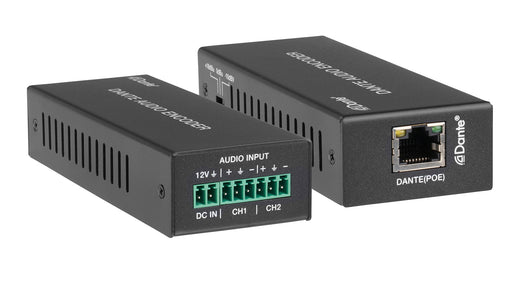
In stock AUD-DTE-ECODE Dante Powered 2-Channel Line In Audio Input Encoder with POE
Convert Balanced/Unbalanced Analog Audio to Dante® Digital Audio
Sign in for trade pricing View
in the same range
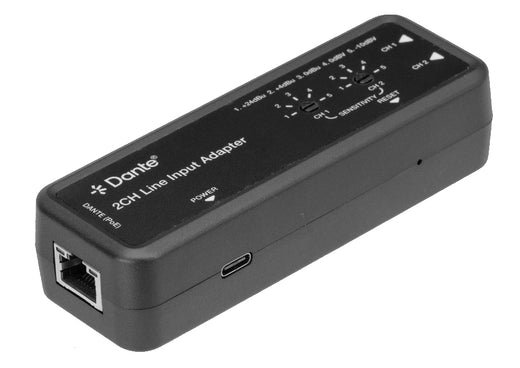
In stock AUD-DTE-LINEIN Dante 2CH Analog Line Input Adapter
2-Channel Balanced/Unbalanced Audio to Dante Converter with 5-Level S...
Sign in for trade pricing View
in the same range
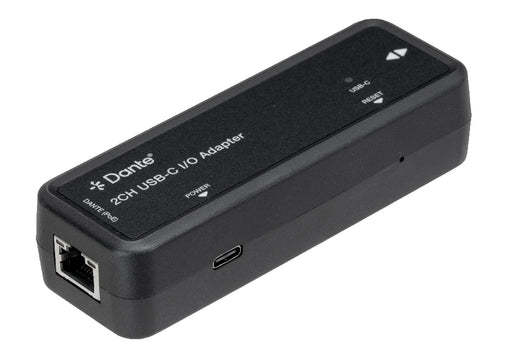
In stock AUD-DTE-USBC Dante® 2-Channel USB-C I/O Adapter
Driver-Free USB-C to Dante® Network Audio Bridge with PoE Power
Sign in for trade pricing View
in the same range
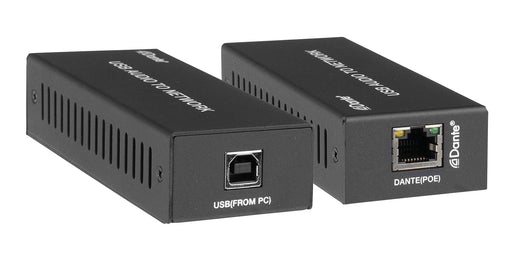
In stock AUD-DTE-USB Dante® 2-Channel USB Audio Interface
Bidirectional USB-to-Dante® Encoder/Decoder with PoE
Sign in for trade pricing View
in the same range
In stock AUD-DTE-BT Dante® Bluetooth Audio Input Adapter with APTX-LL & APTX-HD
Stream Any Bluetooth 5.1 Device into Your Dante® Network — No Analog ...
Sign in for trade pricing View
New · AI & API
Ask your AI. Order KanexPro.

Ask Claude, ChatGPT or Copilot about the AUD-DTE-XLRIN: its specifications, your price, stock, and a draft order for you to place. Or wire the REST API into your quoting tool or ERP.

Connect your AI ›